4-Sharing_models_and_tokenizers-1-Using_pretrained_models
中英文对照学习,效果更佳!
原课程链接:https://huggingface.co/course/chapter4/2?fw=pt
Using pretrained models
使用预先训练好的模型



The Model Hub makes selecting the appropriate model simple, so that using it in any downstream library can be done in a few lines of code. Let’s take a look at how to actually use one of these models, and how to contribute back to the community.
提出问题在Colab中打开在Studio Lab中打开Model Hub使选择适当的模型变得简单,因此只需几行代码就可以在任何下游库中使用它。让我们来看看如何实际使用这些模式之一,以及如何回馈社区。
Let’s say we’re looking for a French-based model that can perform mask filling.
比方说,我们正在寻找一款可以填充面膜的法国模特。
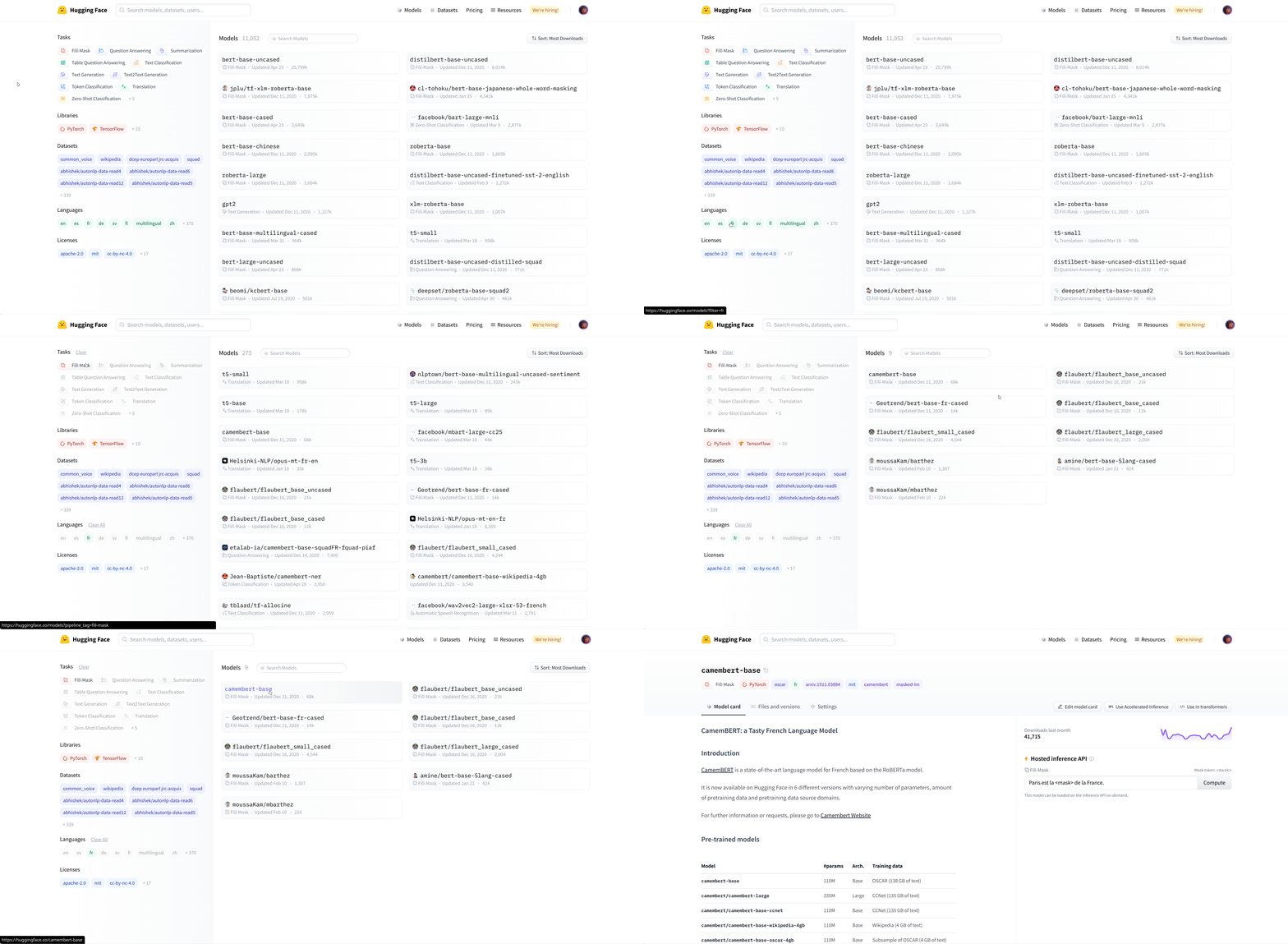
We select the camembert-base checkpoint to try it out. The identifier camembert-base is all we need to start using it! As you’ve seen in previous chapters, we can instantiate it using the pipeline() function:
选择卡门伯特模型。我们选择了camembert-base‘检查点进行测试。识别符camembert-base就是我们开始使用它所需要的全部!正如您在前几章中看到的,我们可以使用Pipeline()`函数来实例化它:
1 | |
1 | |
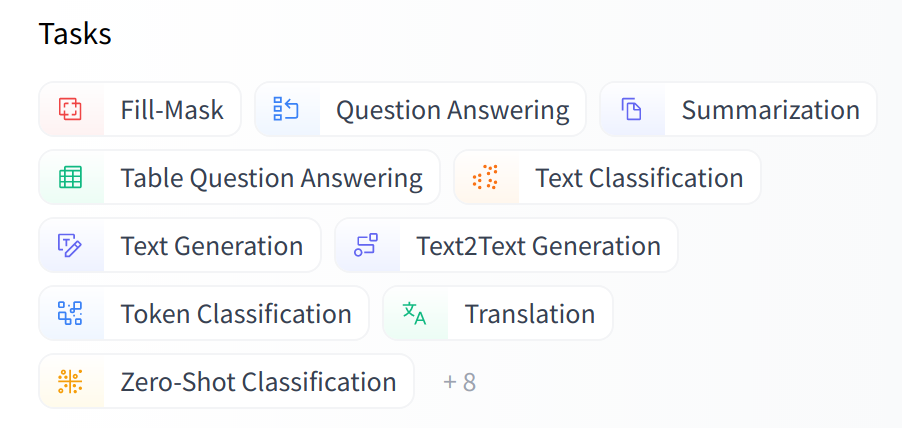
As you can see, loading a model within a pipeline is extremely simple. The only thing you need to watch out for is that the chosen checkpoint is suitable for the task it’s going to be used for. For example, here we are loading the camembert-base checkpoint in the fill-mask pipeline, which is completely fine. But if we were to load this checkpoint in the text-classification pipeline, the results would not make any sense because the head of camembert-base is not suitable for this task! We recommend using the task selector in the Hugging Face Hub interface in order to select the appropriate checkpoints:
如您所见,在管道中加载模型非常简单。您需要注意的唯一一件事是所选的检查点是否适合将要使用它的任务。例如,我们在这里将camembert-base检查点加载到ill-mask管道中,这是完全正确的。但是,如果我们将此检查点加载到文本分类‘管道中,结果将没有任何意义,因为camembert-base`的头部不适合执行此任务!我们建议在Hugging Face中心界面中使用任务选择器,以选择适当的检查点:
You can also instantiate the checkpoint using the model architecture directly:
Web界面上的任务选择器。您还可以直接使用模型体系结构实例化检查点:
1 | |
However, we recommend using the Auto* classes instead, as these are by design architecture-agnostic. While the previous code sample limits users to checkpoints loadable in the CamemBERT architecture, using the Auto* classes makes switching checkpoints simple:
但是,我们建议改用Auto*类,因为它们是设计架构不可知的。虽然前面的代码示例将用户限制为可在Camembert体系结构中加载的检查点,但使用Auto*类可以简化检查点的切换:
1 | |
When using a pretrained model, make sure to check how it was trained, on which datasets, its limits, and its biases. All of this information should be indicated on its model card.
在使用预先训练好的模型时,一定要检查它是如何训练的,在哪些数据集上,它的限制,它的偏差。所有这些信息都应在其型号卡上注明。